Microsoft Copilot Playbook

Agentic GIS for Copilot

See how CARTO connects to Copilot Studio so anyone in your organization can ask spatial questions in plain language, and get an answer that runs on your own data, under your own access controls, every time.

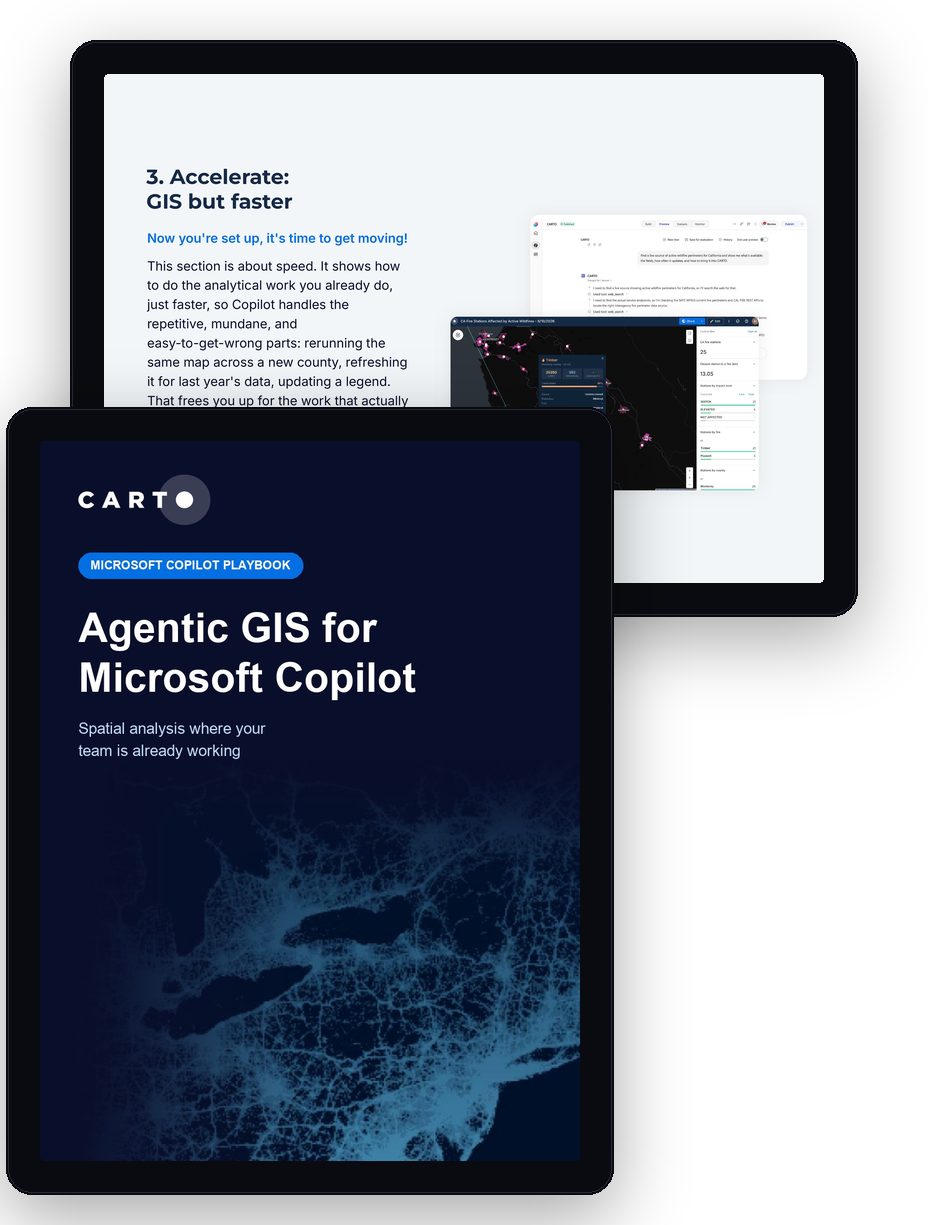
Pages from the Agentic GIS for Microsoft Copilot playbook

Your team already works in Microsoft 365. Spatial questions are the exception: which sites are affected by a fire right now, who lives nearby, are you still covered. They still mean switching tools, opening specialist GIS software, and waiting for someone who knows the toolbox.

Agentic GIS closes that gap. Connect a Copilot Studio agent to CARTO, and anyone in your organization can ask those questions directly. The analysis runs against your own data in your own cloud, under the access your people already have, and every answer traces back to a fixed Workflow you can open and inspect.
What's inside

What Agentic GIS actually is

How it differs from simply adding a chat window to legacy GIS tools.

How to connect Copilot Studio to CARTO

Set up the CARTO MCP Server connection with your own OAuth credentials.

A full step-by-step tutorial

Build a live wildfire risk tool in Copilot, from your first login to a daily dashboard your whole team can query.

Real customer results

How organizations are already putting Agentic GIS to work.

Get the Playbook

A step-by-step guide to running governed spatial analysis in Microsoft Copilot, connected to your own data.